
Cold storage maintenance guide
Good cold storage maintenance starts with simple daily checks. Keep the space clean, watch performance and report faults before they disrupt your stock.
Good cold storage maintenance starts with simple daily checks. Keep the space clean, watch performance and report faults before they disrupt your stock.
Your team is well placed to notice when a door becomes harder to close, ice appears somewhere new, or the temperature takes longer to settle. Those observations are useful even when staff are not refrigeration technicians.
So, as well as assigning designated members of the team to handle scheduled maintenance operations, ask your workers to flag up any inconsistencies or issues – they’re your “front line”. Their observations count.
Cold storage container maintenance has two halves – routine care and technical servicing. Operators should carry out the checks covered by their training and the unit instructions. Authorized specialists handle electrical work, refrigerant handling and repairs.
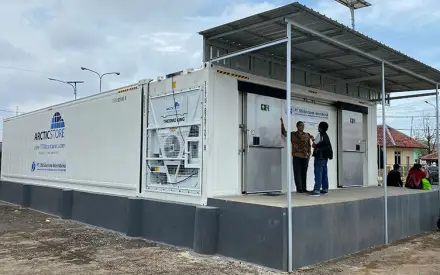
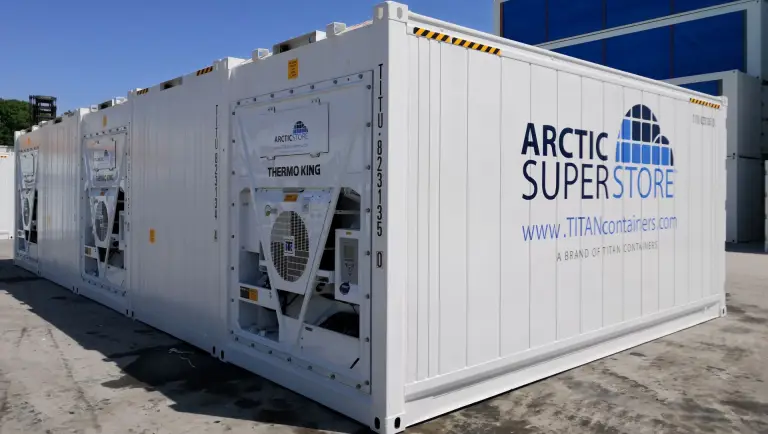
For a rented unit from TITAN’s ArcticStore collection, review the service contact and responsibilities at handover. Keep the unit ID, operating instructions and contact details where staff can find them; don’t wait for a first fault to emerge before establishing a process.
| Area | Operator check | Response to a problem |
|---|---|---|
| Temperature | Review current readings, trends and alarms | Follow the product and escalation procedure |
| Doors | Check closure, visible seal condition and clear access | Report damage or a poor seal |
| Air paths | Look for stock obstructing outlets, returns or loading limits | Restore the approved loading layout |
| Floor and surfaces | Look for spills, debris, ice or damage | Make the area safe and use the approved cleaning method |
| Safety features | Carry out instructed checks of releases and alarms | Stop unsafe use and report the fault |
| Records | Note findings, actions and unresolved items | Hand over open issues to the next shift |
Set the exact frequency with your operating plan and the manufacturer’s instructions. A busy food operation may need checks at several points in a shift.
For a new rental from TITAN, speak with our team about the unit and its service arrangements before planning your operating routine.
Clean as you go, and go gently on the surfaces. A few habits help:
Plan deeper cleans around the stock. Move the goods to a suitable temperature-controlled space first, follow the shutdown or isolation instructions and let the unit get back to the required conditions before you reload.
Two things to steer clear of:
A clean room also makes problems easier to spot. Damage and leaks are much harder to notice when floors and corners are cluttered.
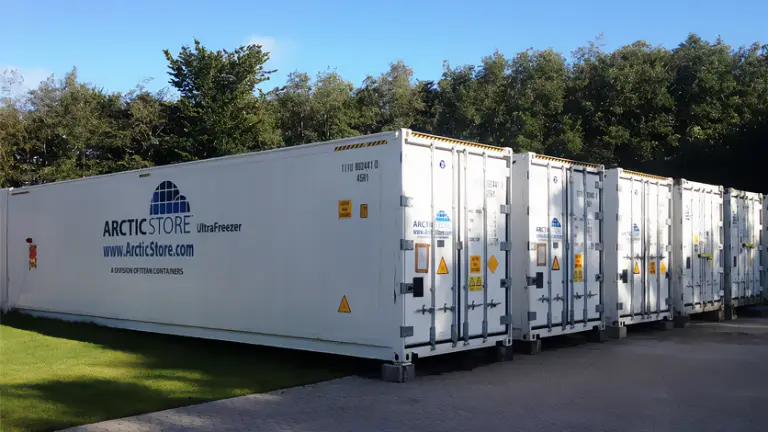
Doors are used all day, so small faults soon become operational problems. Check that nothing blocks closure and that staff use the door hardware as intended.
Report torn seals, damaged curtains or changes in how the door closes. Warm air entering through a gap adds load to the refrigeration system and can contribute to moisture and ice.
Try not to prop the door open while you put an order together elsewhere. Get everything ready first, then move it through in one go. The temperature stays steadier, and nobody is rushing – and rushing is what wears doors out.
Stock layout is part of refrigerated container upkeep. Keep the air outlets and return routes clear, and follow the unit’s loading guidance.
Look at the layout again whenever the packaging changes. A taller pallet or a deeper carton can block a route that was clear before.
The outside of the unit needs room too:
It helps if the installation plan shows these clearances, so everyone using the site can see them.
One reading tells you what a sensor shows at that moment. A trend can reveal repeated door-related spikes, slow recovery or a persistent change in performance.
SmartArctic remote monitoring helps you review performance and control settings remotely. Make sure the people responsible for checks can use it and know which changes they are authorized to make.
Keep monitoring equipment checks and calibration within your quality procedures. A controller display and an independent product check serve different purposes; neither should be assumed to replace all the other records your operation needs.
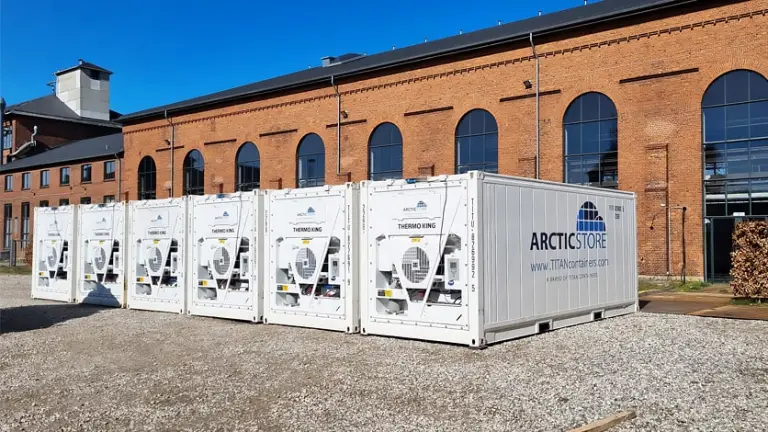
Put planned service dates in your operating calendar, and sort out three things in advance:
Rental agreements differ between suppliers: make sure yours spells out what service is included. Don’t assume a particular response time, or that every kind of damage is covered. If it’s clear who does what, your team will know when to call and what to tell the service team.
If planned work would leave you with no cold space at all, arrange cover first. Our refrigerated containers can give you extra onsite storage while your other cold storage is out of action, with capacity and delivery planned around what you need.
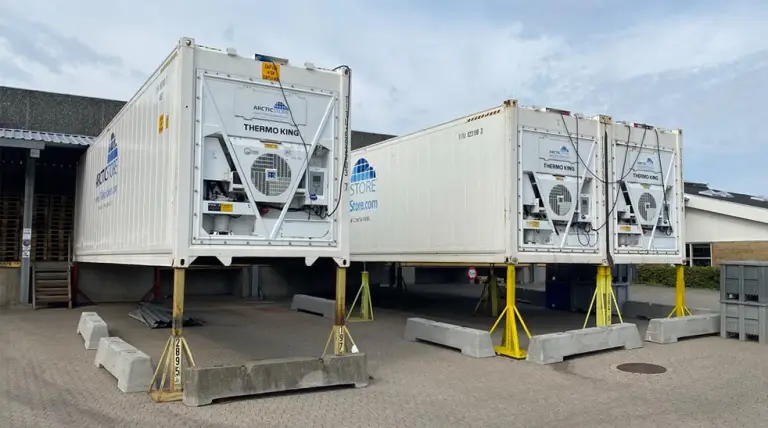
A note saying “freezer problem” is unhelpful and leaves the next shift guessing. For each issue, write down:
A photo of visible damage helps too. Give each open issue an owner and a clear next step. Record when the service team was contacted, any operator instructions received and whether stock movement or access has been restricted. Keep unresolved items in the handover until someone confirms they’re closed.
Our guide to how real-time data protects your supply chain explains why visibility matters. For maintenance, what you want is a record that links what you noticed to what you did about it. It shows whether a fault keeps coming back or the incidents are unrelated, and it gives the technician more to go on when they arrive.
At installation, make sure staff are shown the controls, emergency release, routine checks and reporting route. Keep the instructions with the unit, and train new staff before they use it.
Good reefer container maintenance is easier when the setup suits the job from the start. If you’re planning to rent a unit, tell us what you’ll be storing, the temperature you need, how much space you want and how your day runs. Contact TITAN to discuss the right cold storage setup and its service arrangements.
If you’re renting from TITAN, you don’t have to work it out – maintenance is included in every rental contract. You just need to plan around the visits. If you own the unit, ask us what kind of cold storage upkeep suits that model and how hard it works.
No. Leave electrical, refrigerant and other technical repairs to the specialists. Your team’s part in the cold storage troubleshooting equation is to keep the unit clean and tidy and to perform any checks mentioned in the instructions.
Not necessarily. Moisture entry, door use, drainage and equipment condition can all play a part. Record where and when it occurs and have the cause assessed.
Changing a setting just to clear the ice can hide what’s causing it. Write down where the ice is, how often the door’s been opened and any alarms, and pass that to the service team. If a setting does need to change, it should be because the cause has been found, and an authorized person should make the change.
Ask the service team what they did, then check the unit before you reload it. Make sure it’s running normally, holding the temperature you need and that any monitoring or safety features the repair touched still work. Treat the stock as a separate question. A repaired unit doesn’t tell you whether goods that were exposed to a temperature problem are still fit to use.

Josefine Falch is Global Marketing Manager at TITAN Containers, responsible for driving global marketing strategy, brand positioning, and lead generation across key industries and markets. With a strong focus on data-driven marketing, international campaigns, and cross-market alignment, she works closely with local teams to support commercial growth and strengthen TITAN’s presence worldwide.